
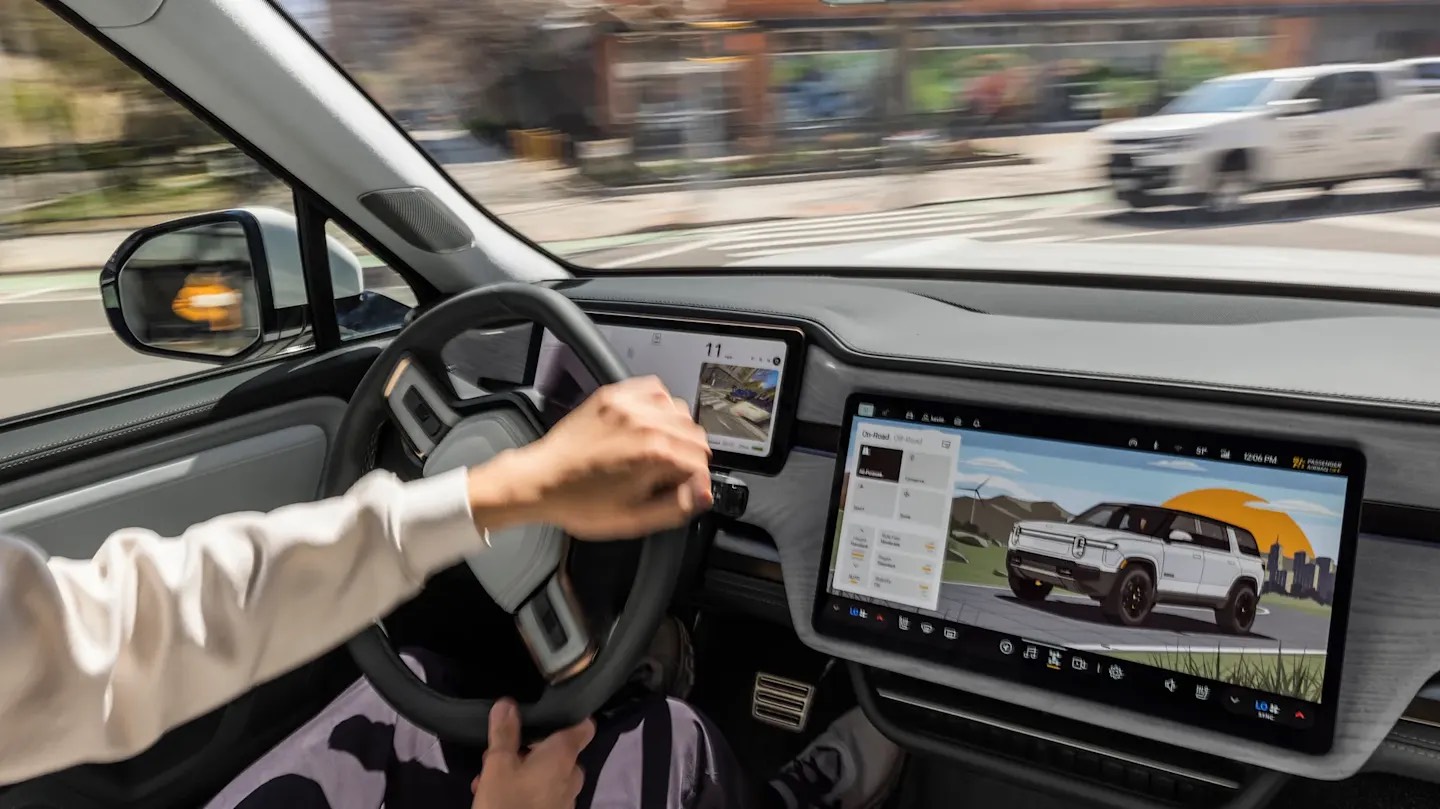
When Rivian dropped that 2026.03 is upgrading to Unreal Engine 5.5, I saw the same reaction pop up everywhere. Why is a truck running a video game engine? Are we about to unlock Fortnite in the gear tunnel? It sounds ridiculous on the surface, but once you zoom out, this is actually one of the smartest long term decisions Rivian has made with its software stack.
Let’s start here. Your Rivian screens are not just displaying static menus. They are constantly rendering a live, data driven, animated world. Your drive modes shift the visual tone of the UI. Your autonomy view shows vehicles, lanes, cyclists, pedestrians, all moving in real time. Energy flow, suspension height, terrain visuals, maps, it is all dynamic. That kind of experience is not a glorified tablet app. It is real time 3D rendering. And that is exactly what Unreal Engine was built to do.
People hear game engine and assume it is about playing games. It is not. It is about rendering complex, high fidelity graphics smoothly and predictably on constrained hardware. Video games have been solving that problem for decades. Cars are just now catching up.
The traditional automotive approach to UI was basically layered 2D graphics with limited animation. It worked, but it never felt alive. It felt like a settings menu glued onto a dashboard. Rivian clearly wants something different. They want the vehicle to feel like a cohesive digital environment. When you toggle modes or engage Universal Hands-Free, the interface shifts with intention. There is depth. There is motion. There is feedback that feels modern instead of robotic.
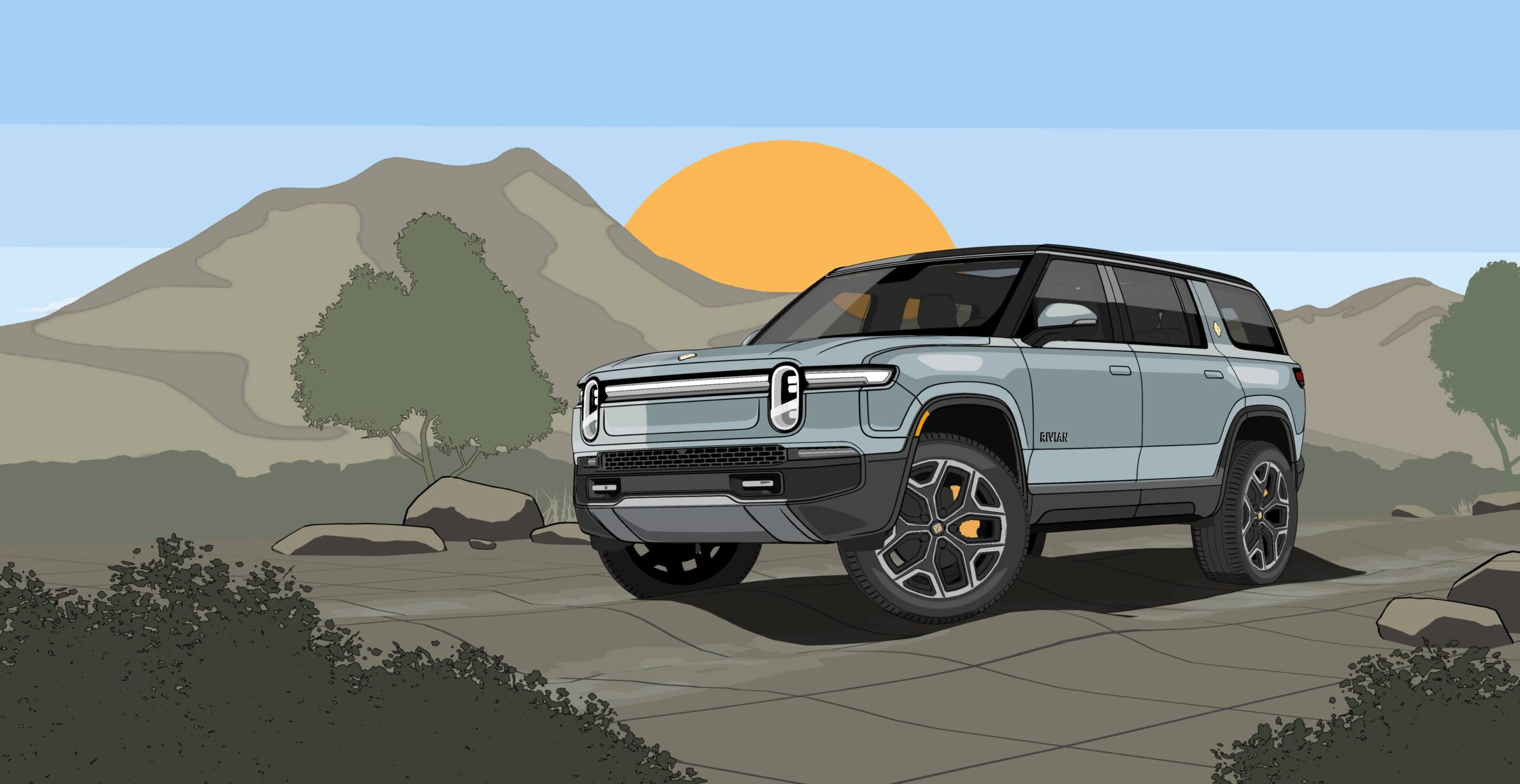
Upgrading to Unreal Engine 5.5 is not just about prettier icons. Unreal 5 introduced major improvements in rendering efficiency, lighting systems, and overall performance optimization. In a vehicle environment where thermal management and compute limits matter, efficiency is everything. If you can render richer visuals with less overhead, you free up system resources for the stuff that actually matters, like autonomy processing and sensor visualization.
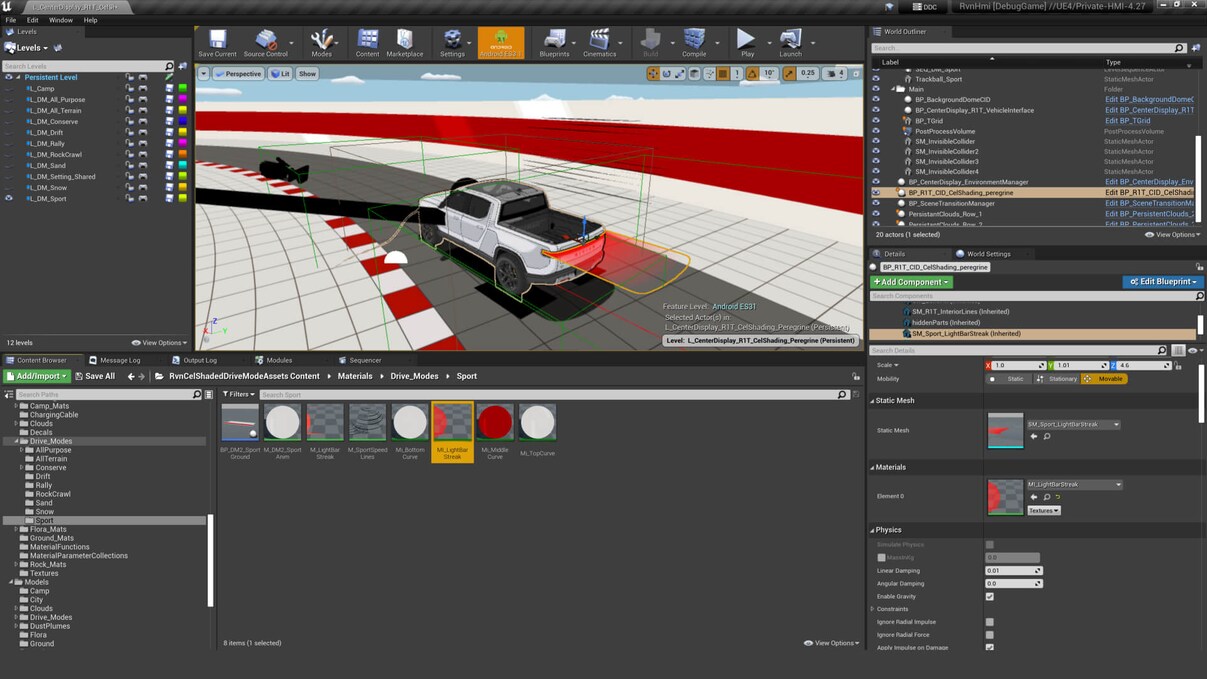
And here is the bigger strategic point that most people miss. Unreal is not just a graphics engine. It is a development ecosystem. Designers and engineers can iterate inside the same environment that ultimately ships to the vehicle. That shortens feedback loops dramatically. Instead of static mockups going back and forth between design and software teams, you are building in a live system that behaves almost exactly how it will in production. That is how you get faster over the air improvements and more polished releases.
This matters even more as Rivian now juggles Gen 1 R1, Gen 2 R1, and soon R2. Multiple hardware stacks, multiple compute platforms, different sensor configurations. A unified rendering backbone makes segmentation less painful. You can scale visual complexity up or down depending on hardware while keeping a consistent design language. That is future proofing, not just eye candy.
There is also a brand philosophy angle here. Tesla leans heavily into minimalism and stark simplicity. Rivian has always leaned into immersive and tactile design. The UI mirrors that. It feels adventurous, layered, almost environmental. Unreal allows Rivian to build a digital space that matches the physical personality of the truck. When your vehicle is positioned as a high tech adventure machine, the interface should not feel like a budget Android skin.
And let’s be honest, perception matters. When owners get in and the visuals feel fluid, when animations are smooth, when autonomy renders the world around you in a clear and dynamic way, that creates trust. It makes the system feel capable. You are not staring at a laggy box of pixels. You are interacting with a responsive digital cockpit. That confidence feeds directly into how people perceive Autonomy+, driver assistance, and the overall tech stack.
So no, Rivian is not turning your vehicle into a gaming console. They are borrowing from the most advanced real time rendering toolkit available and applying it to the modern vehicle interface. In a world where software increasingly defines the product, this is exactly the kind of move you want to see. If anything, the real question is not why Rivian uses Unreal. It is why more automakers waited so long to do the same.



I understand what you are trying to accomplish. But you have a long, long way to go. A lawn mower shows up as a motorcycle, may not seem important but if a stationary object is actually another vehicle that seems important. As far as “autonomous” driving, my R1T slows to 40 mph in mild curves and more than once tried to exit an interstate highway on it’s own. I do keep my hands very near the steering wheel as advised. Please keep in mind not every owner lives in a metropolitan area. As I told my son, an R1S owner, I really enjoy driving it (my R1T) but it could do so much better. Yes, I have a realistic comparison, he also owns a Tesla.
The vision system misidentifying an object is not the fault of UE.
But I agree with your sentiment on the autonomy feature. It is VERY reminiscent of Tesla’s “enhanced autopilot” circa 2019. Rivian has less phantom braking, but it has the same weird behavior with off-ramps and misidentifying/hallucinating the environment. It also gets into a weird state where it starts mildly wandering in the lane, which can be a bit nauseating for passengers.
It’s not ready for consumer use, IMO and it is DEFINTELY not worth paying for.
And I think your readers might have missed that UE powers over 2 million cars on the road, not just Rivian! https://www.unrealengine.com/en-US/news/five-years-35-car-models-how-unreal-engine-is-accelerating-hmi-innovation
Great point, I’ll make sure to add that in the article!
Rivian has been using it since 2021. However, I think its the upgraded gaming-level ui 5.5 that the article is speaking of.
Do we expect Unreal Engine 5.5 will help with the responsiveness of the drive mode app? Of all the apps, that is by far the least responsive on my Gen2 R1S. The animations are choppy at best (some times darn right bad). Typically once the app is opened and you move between the different modes everything is fluid, but over time it degrades again as memory is given up to other tasks (I assume ).
Good stuff. Rivian keeps doing EVs right. A stark minimalist interior screams “bargain bin and I could crash into a wall” vehicle. A robust and immersive interior says “premium and trust me.”
Right, but why is app-switching sooooooo unresponsive. Changing apps is slow, sometimes 4-5 seconds (on both my G1 and G2). Maybe that’s because of the underlying Android Automotive system but it’s hard to get excited about the animations if it takes 4-5 seconds to get to another screen to see those lovely animations.
Also, what’s wrong with turning my car into a gaming console? 😀
Great article and very educational and I think Rivian is doing a great job with it’s native operating system. However, as many users will tell you it’s navigation system is a piece of crap. Rivian needs to invest on the database, logic and algorithm used by the navigation system. Without a proper navigation system auto driving is simply trash-in trash-out. Google Maps did not improve this situation. Rivian needs to pay a third-party for its navigation algorithm software.
good to know, but this is very dumb to say upgrade to UE 5.5 from UE 5.0 on the change log.
it is like stating updating spring boot framework to x.y version.
actually nobody cares, it is more important to saying on Gen1 vehicle saving 10% of resources for change to newer framework.
I know this is not your problem, but it is pretty dumb