
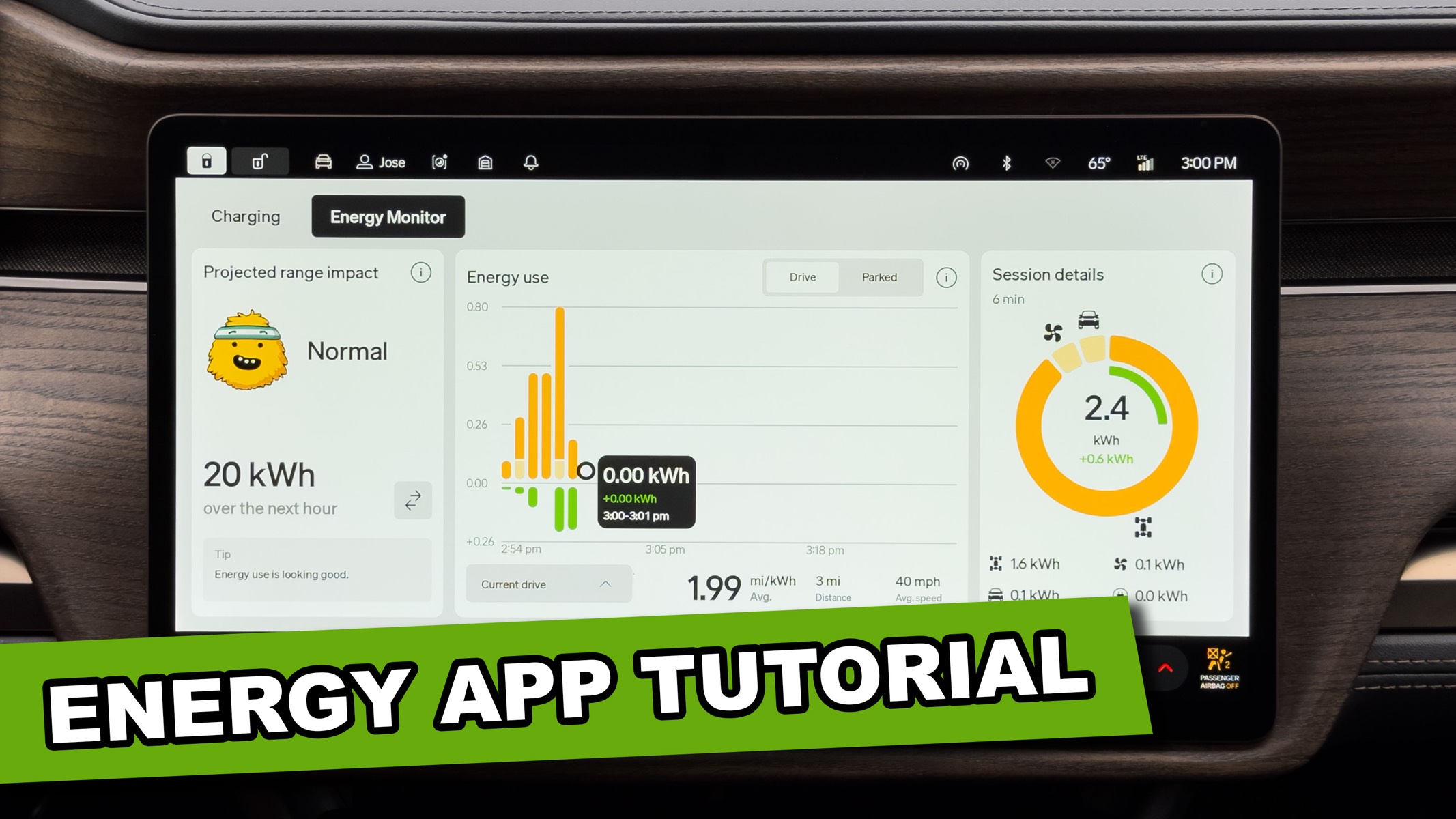
I recorded a quick walkthrough of the Energy Monitor app on the Rivian R1 after seeing a great discussion on the r/Rivian subreddit. In this video, I break down what each section shows, how to read your efficiency data, and how it can actually help you understand where your energy is going while you drive. If you’ve ever opened the Energy Monitor and wondered what you were really looking at, this one’s for you.



Why doesn’t Rivian show me the estimated time of charge completion, it the time left to completion, when I’m charging? I don’t see that on the car’s display of on my Android app.
You should totally see how much time is left, you don’t see that?
I wish the app and the momitor mirrored each other. I want to see a charge rate.