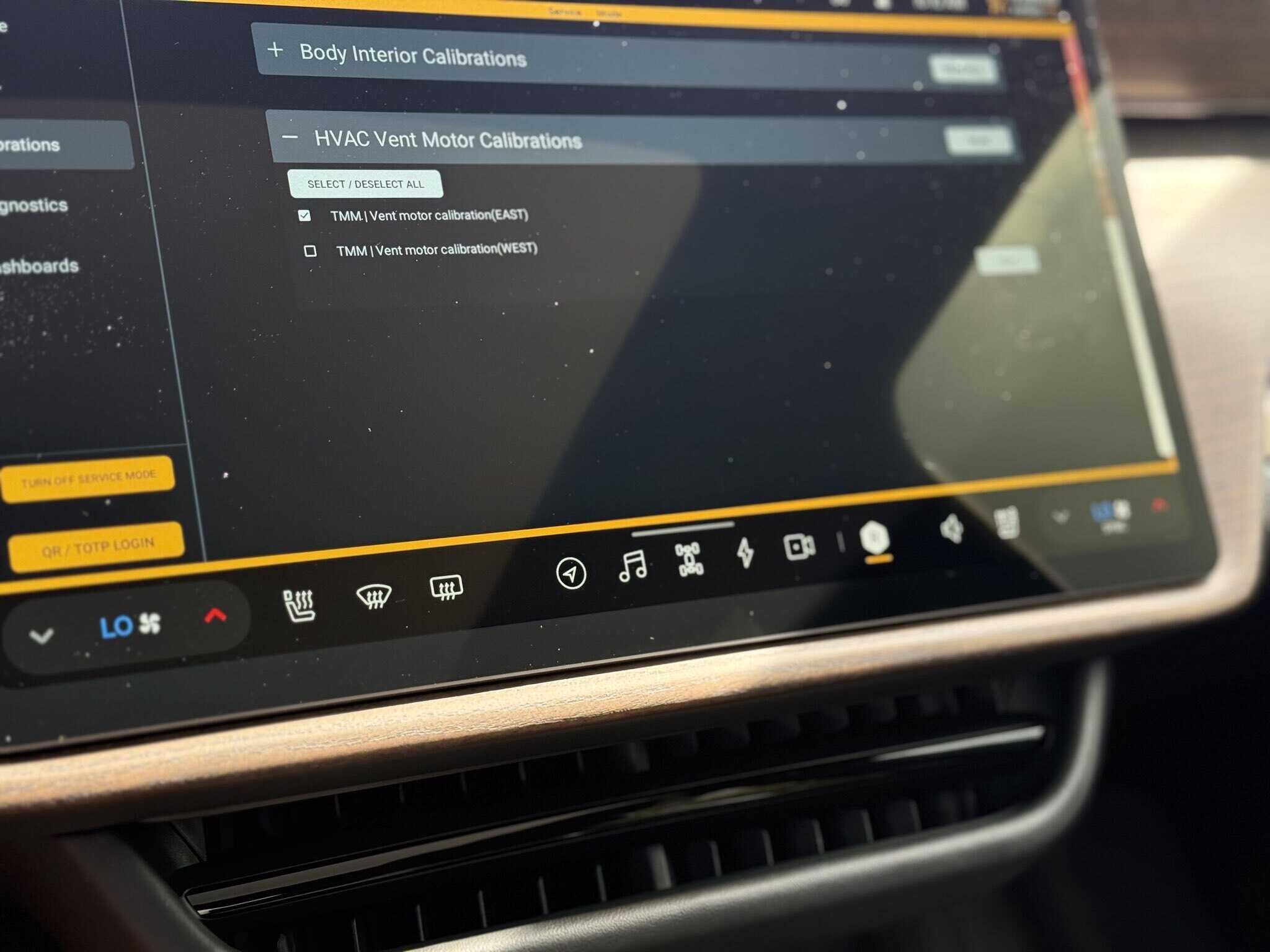
If your Rivian’s HVAC vents don’t seem to be pointing where they should, a quick calibration can fix it. In this video, I show you how to easily recalibrate the air vents to get them working correctly again. It only takes a minute and makes a big difference!
Jose Castillo is the founder of RivianTrackr and has owned and driven Rivians since early in the brand's consumer history. He currently drives an R1S and an R2 in Florida and uses Universal Hands-Free every day. As a credentialed Rivian journalist, he has covered the R2 First Drive in Park City and SXSW firsthand and has spoken directly with Rivian's software and autonomy leadership.
Very cool trick, thank you for sharing! My T is going on 3 years old and the HVAC does seem a little off…not too mention the windows and hood, which on rare occasion stick but doesn’t hasn’t thrown an “error”. Cheers!
My center vent has more airflow on the driver side than the passenger half. Anyone else observing the same?
Thanks for sharing. Unfortunately, just another stupid thing to deal with. Manual vents are the way to go. I hate the electronic ones on my Tesla, I hate them on my Rivian. Going with touch screen controls is pretty terrible from an end user experience even if saves them a few dollars. I’d pay the extra to have real buttons. Thank god they haven’t followed Tesla and removed the steering wheel stalks…
Thanks for sharing. In the past I just turned off the climate control, let the vents close, then turn it back on. I’d try that first before going into service mode.




Very cool trick, thank you for sharing! My T is going on 3 years old and the HVAC does seem a little off…not too mention the windows and hood, which on rare occasion stick but doesn’t hasn’t thrown an “error”. Cheers!
My center vent has more airflow on the driver side than the passenger half. Anyone else observing the same?
Thanks for sharing. Unfortunately, just another stupid thing to deal with. Manual vents are the way to go. I hate the electronic ones on my Tesla, I hate them on my Rivian. Going with touch screen controls is pretty terrible from an end user experience even if saves them a few dollars. I’d pay the extra to have real buttons. Thank god they haven’t followed Tesla and removed the steering wheel stalks…
Thanks for sharing. In the past I just turned off the climate control, let the vents close, then turn it back on. I’d try that first before going into service mode.