
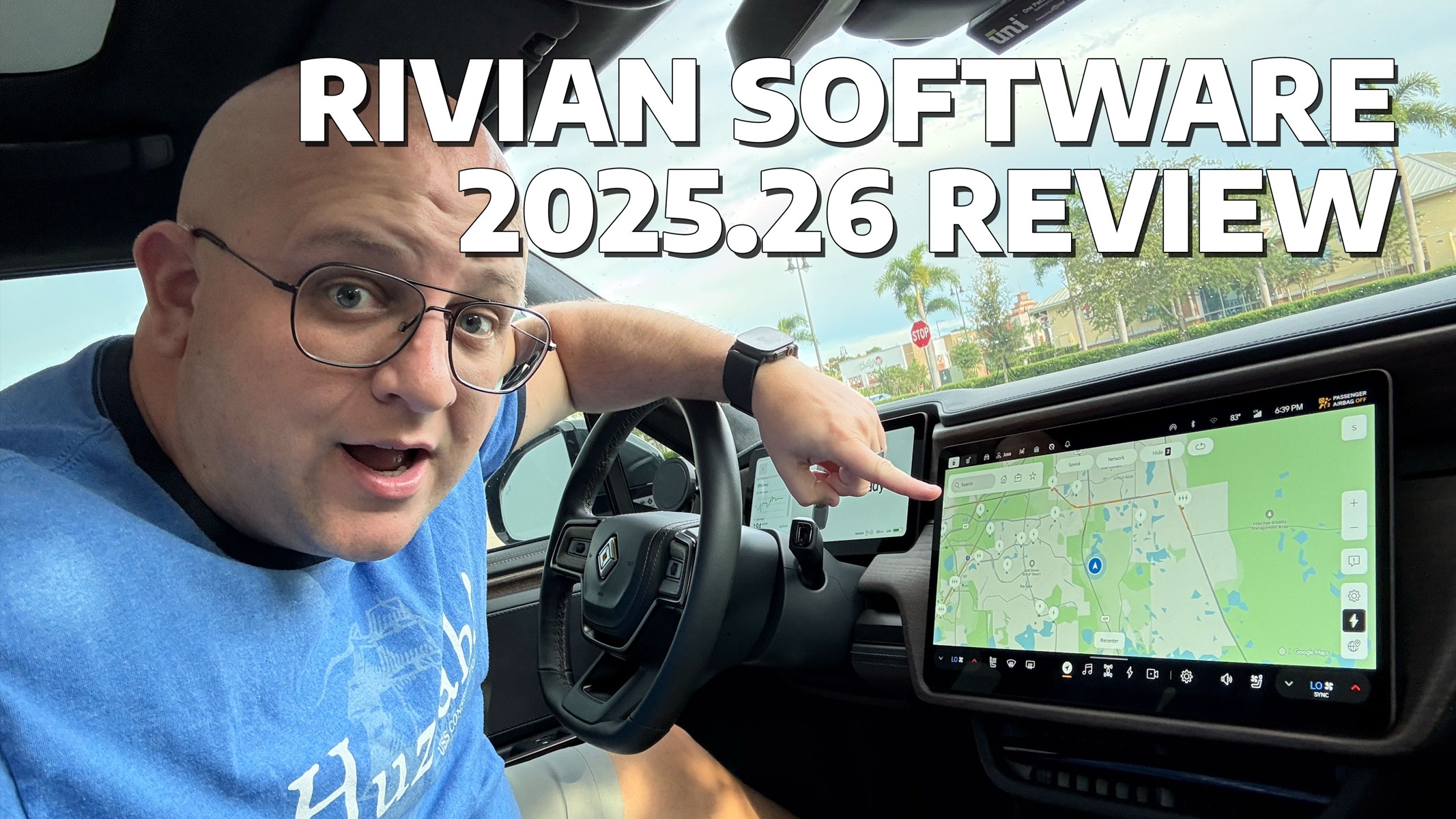
Rivian’s 2025.26 update is now rolling out, and in this video I break down everything you need to know. While there are some headline features like sharper steering in Sport and Off-Road, plus big Gen 2 Driver Assistance improvements, my focus is on the bug fixes and quality-of-life updates that matter day to day.
As a reminder, Rivian software updates are rolled out in batches. Connect+ subscribers will get priority.



I got this update 2 days ago and noticed the usual “See What’s New” screen on the center display after software updates install did not show this time. Anyone else?
A few months ago, Rivian released a software update for tri-motor vehicles that kept the “auto height” feature either on or off, depending on what the driver wanted it set to. The auto-height button kept getting defaulted to “on” after the vehicle went to sleep, even if the driver preferred it to be “off”. So, this was fixed. But why only for tri-motor? I have a dual-motor Gen 2 and have this same issue. The “auto height” reverts to “on”, even though I turn it off. Why was this update only for tri-motor? What’s the logical reason for that?
I believe that’s a requirement to meet advertised range (“fuel economy”) standards.