
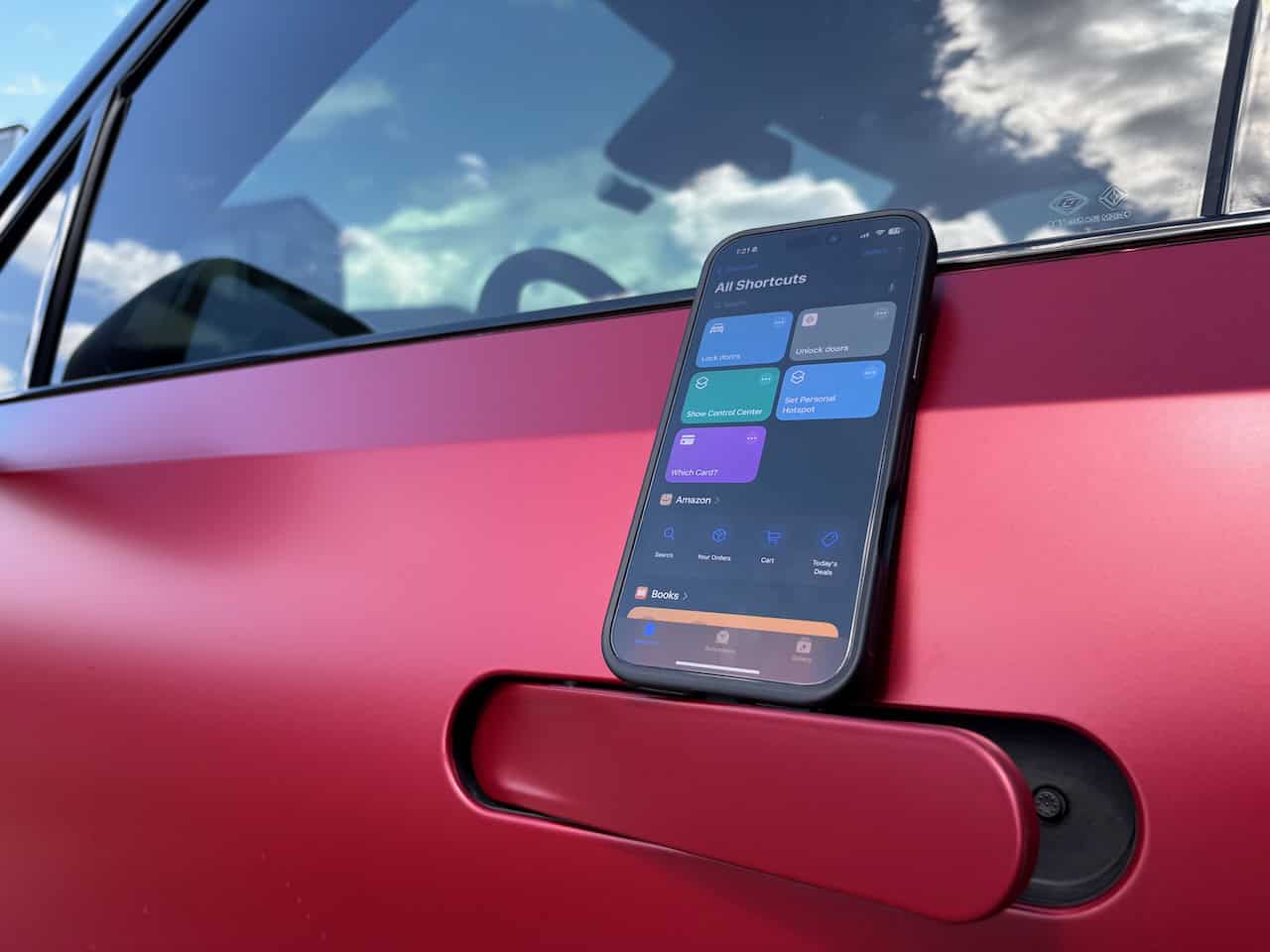
Did you know you can unlock your Rivian right from your iPhone’s lock screen? In this video, I’ll show you how to create an Apple Shortcut that lets you unlock your Rivian from the lock screen, even if you have Auto Unlock turned off. This quick tip will make it easier to access your vehicle at home without unlocking your phone or adjusting your Auto Unlock settings fully. Check it out to streamline your Rivian experience!



I don’t think it’s a smart or a good idea to be able to unlock your car from lock the screen. If you drop your phone or somebody can steal it from your pocket they can walk up to your car and leave, No?
Great point, you can also set it up to require Face ID every time you run the shortcut!