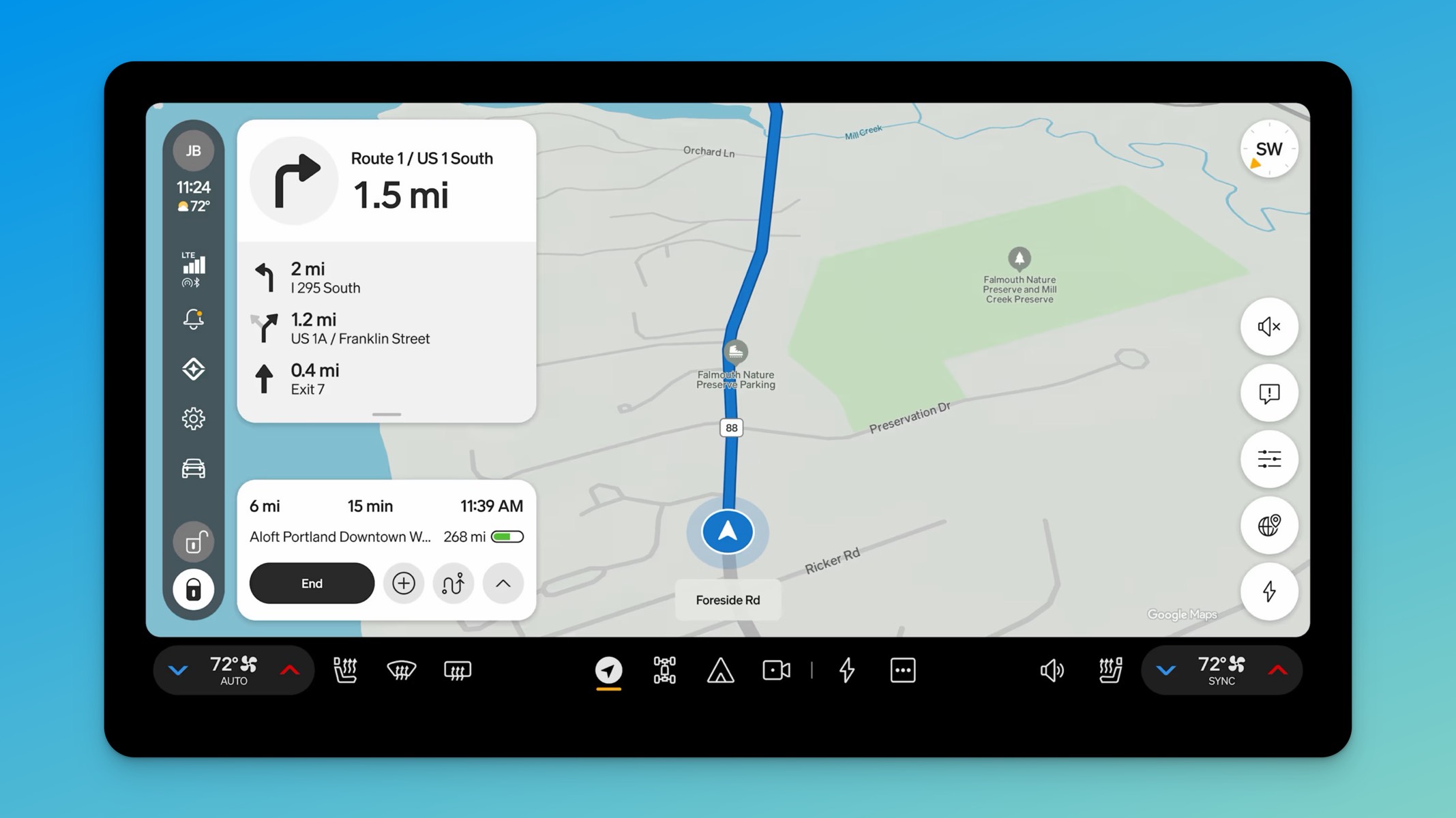
If your Rivian hasn’t gotten the new update yet, you haven’t been skipped. Rivian rolls software out in waves, not all at once, and the gap between “the update exists” and “the update is on your truck” is completely normal.
Here’s the short version of how it works.
Rivian starts small. The first wave goes out to a limited group of vehicles so Rivian can watch for problems before opening the floodgates. That group grows over the following days. One thing worth knowing is that if a rollout kicks off on a Friday, things usually go quiet for the weekend and pick back up Monday, assuming it isn’t a holiday. So if you spent all of Saturday wondering where your update was, that’s why nothing changed.
Your vehicle gets flagged. This is the step that trips people up the most. Flagged means the update is ready to download, not that it’s ready to install. Those are two different things. This is also the point where you want to make sure your Rivian is on Wi-Fi, because it makes the whole process a lot smoother.
The download starts. Depending on the size of the release and your connection, this can take anywhere from a few minutes to a few hours. Nothing is wrong if it sits there for a while.
Rivian verifies the download. Once everything is pulled down, the vehicle checks that the package is complete and valid before it offers to install. Then you get the prompt.
The install runs. Either you kick it off right then, or if you’ve set a scheduled install time, your Rivian will sit and wait until that window comes around.
One more detail that explains a lot of the “why does my neighbor have it and I don’t” posts: Connect+ subscribers get flagged first.
Beyond that, patience is really the only move. If a rollout gets paused for some reason, or if there’s anything else worth knowing about a release, we’ll have it here on RivianTrackr.



Is Rivian plan to update the Spotify app to play lossless?
Is it just me, or did the “Keep Listening” option for Rivian Assistant disappear with the new update. I have an R1T. The option simply is not there any longer.
I seem to get the updates at least 2 to 3 weeks after public release and I have an active Connect+ subscription. Is that normal?
Came here to ask the same thing. While I do not doubt Jose’s description of how the process goes I have serious doubts that Rivian is actually pushing updates the way they say they are. G1 R1S, active Connect+ subscription and I have never gotten an update less than two weeks after the public release. Maybe that’s just the timeline but it sure doesn’t feel like I am getting priority access to updates.
Came looking for this info because I’m also a Gen 1 connect + subscriber and always get the updates long after I see everyone else posting about it. I don’t feel like I’m getting any priority at all.
I still haven’t received the 2026.31 update and the rollout appears to have now slowed to a trickle. Any suggestions on how to get this update would be greatly appreciated