
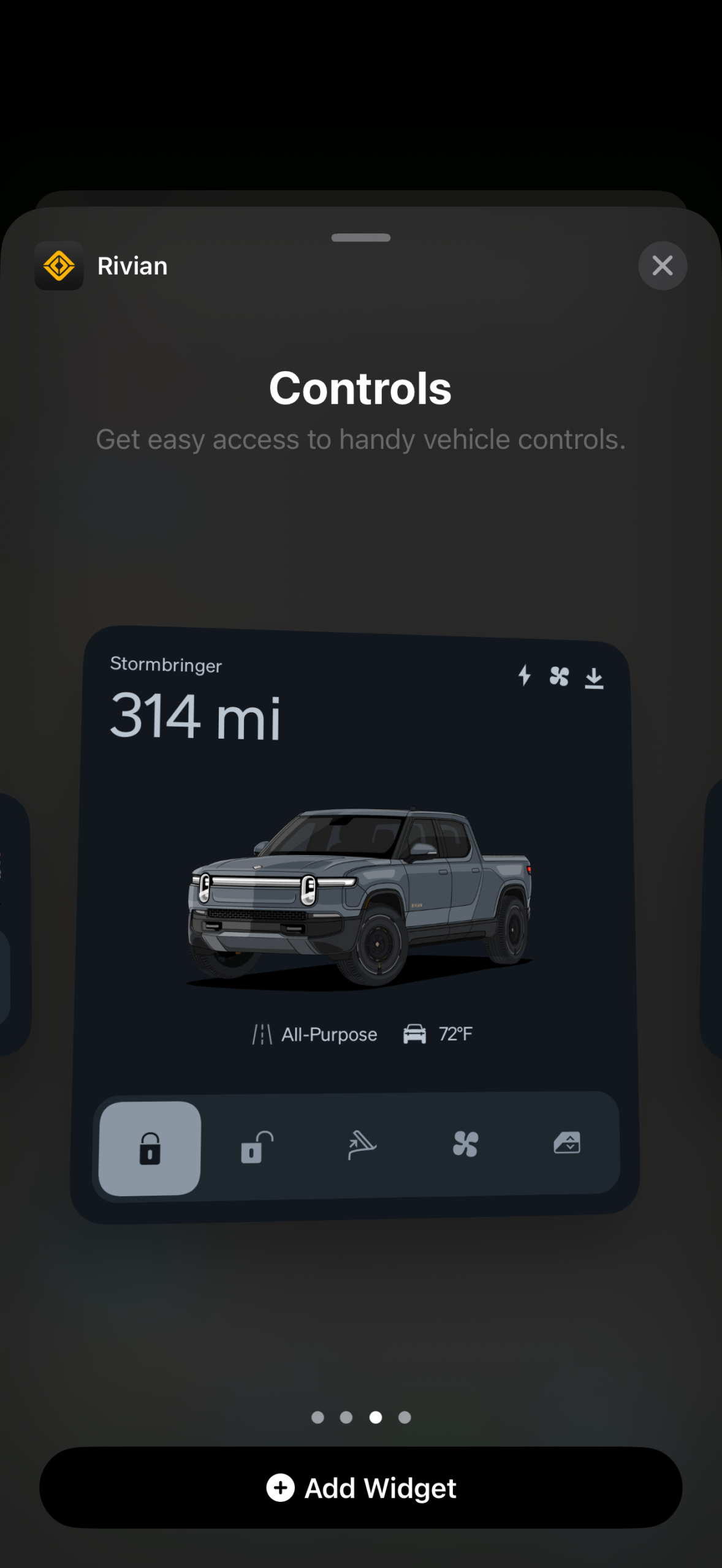
The latest update to the Rivian mobile app, version 2.17, brings several noteworthy upgrades that enhance both usability and functionality for Rivian owners. Here’s a breakdown of what’s new:
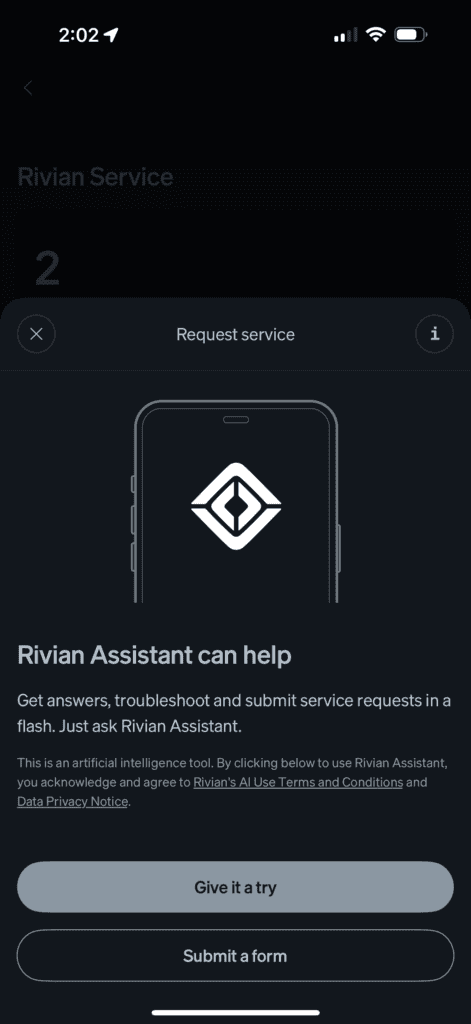
Rivian Assistant AI
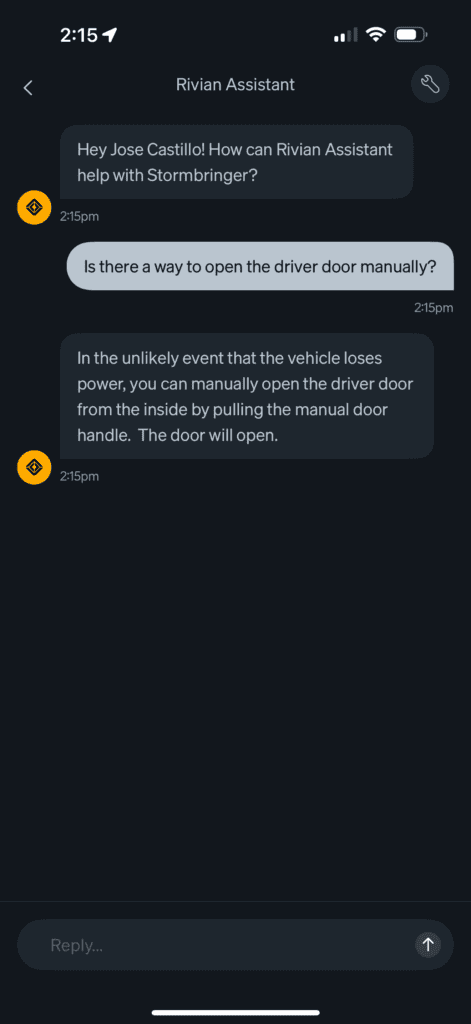
The app now includes Rivian Assistant, an AI-driven feature designed to help troubleshoot issues, answer your questions, and streamline service requests. This addition aims to make support more accessible and efficient for users on the go.
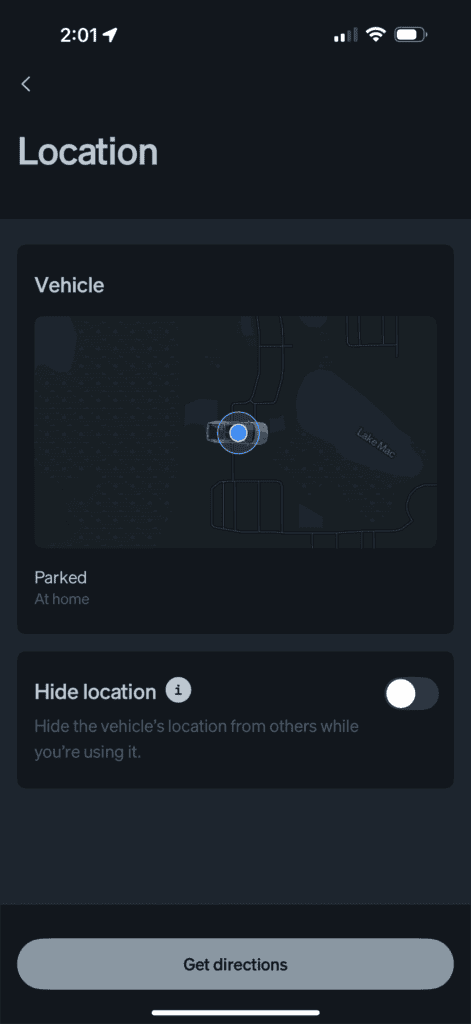
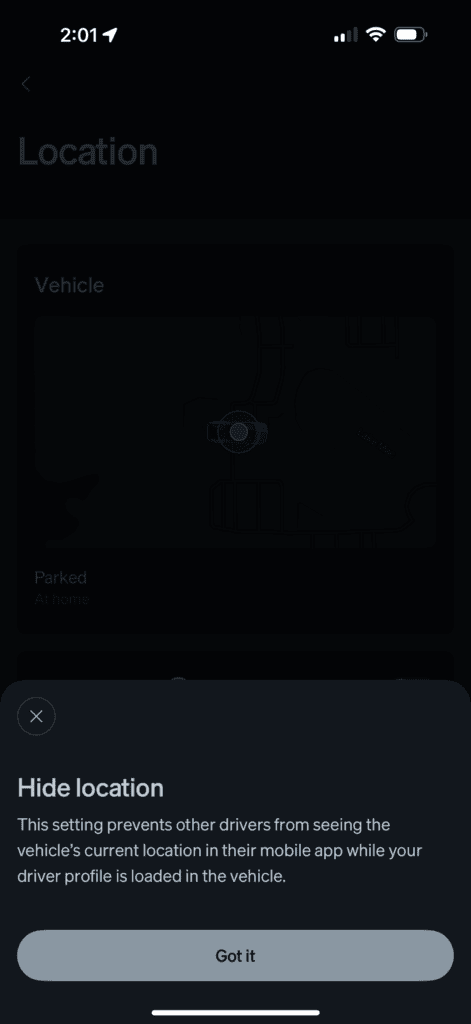
Real-Time Live Location
The Live Location feature gets a major upgrade, allowing users to see their vehicle’s location in real time. Plus, a privacy option lets you temporarily hide your vehicle’s location from other drivers—perfect for maintaining discretion when needed.
iOS Live Activity for OTA Updates
For iOS users, Over-the-Air updates are now displayed as live activities, keeping you informed of the update progress without needing to open the app. It’s a small touch that makes staying updated more seamless.
Keyfob 2.0 and Climate Scheduling for Gen 2
Owners of Gen 2 Rivians benefit from two new features:
- Keyfob 2.0 Support: Improved compatibility and new functionality. (keyfob is not available yet)
- Climate Schedule: Pre-schedule your cabin climate settings to ensure a perfectly comfortable ride every time you hop in.
Font Updates and Dynamic Widgets
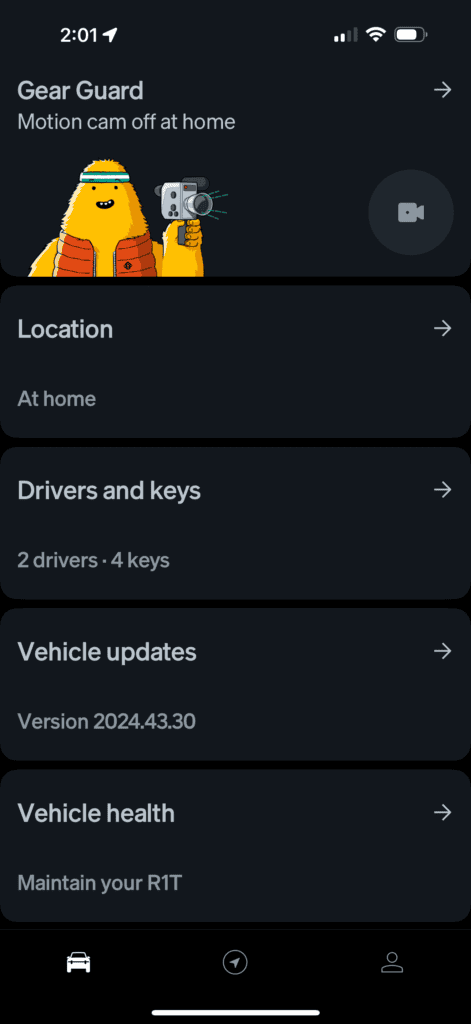
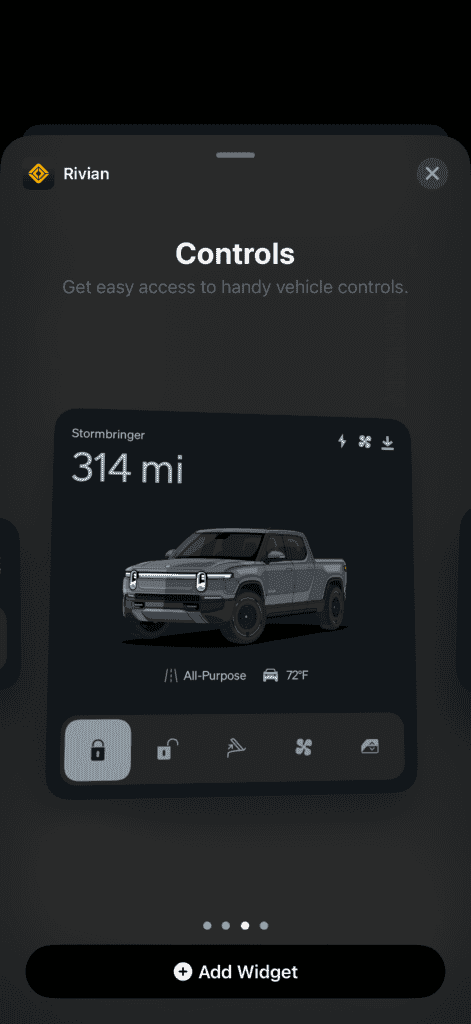
The app’s fonts have received subtle updates for improved readability, giving the interface a fresh look. Additionally, when adding widgets to your device’s home screen, the information presented now updates dynamically in real time, offering even more convenience.



When is it coming? Is it available for both iOS and Android at the same time time?
Yes it should be available for both now!
Just updated the app. Climate schedule does not seem to be in this version either, despite the report here. However, it also says on another page that it’s part of the next vehicle update, so who knows what the story really is.
Tied to 2024.47 from the looks of it!
Saw the app update, but I did not see any cabin pre conditioning schedule we can set. I do have Gen 2
Seems to be tied to the upcoming 2024.47 update!
I have a gen 2 and downloaded this update. I see climate control but not scheduling. I also got a pop up for the AI assistant after the download but can’t find where to access it. Am I missing something on these features?