Want to get in touch? Contact us at [email protected]

Rivian Digital Key Not Working After 2025.46? Here’s Why
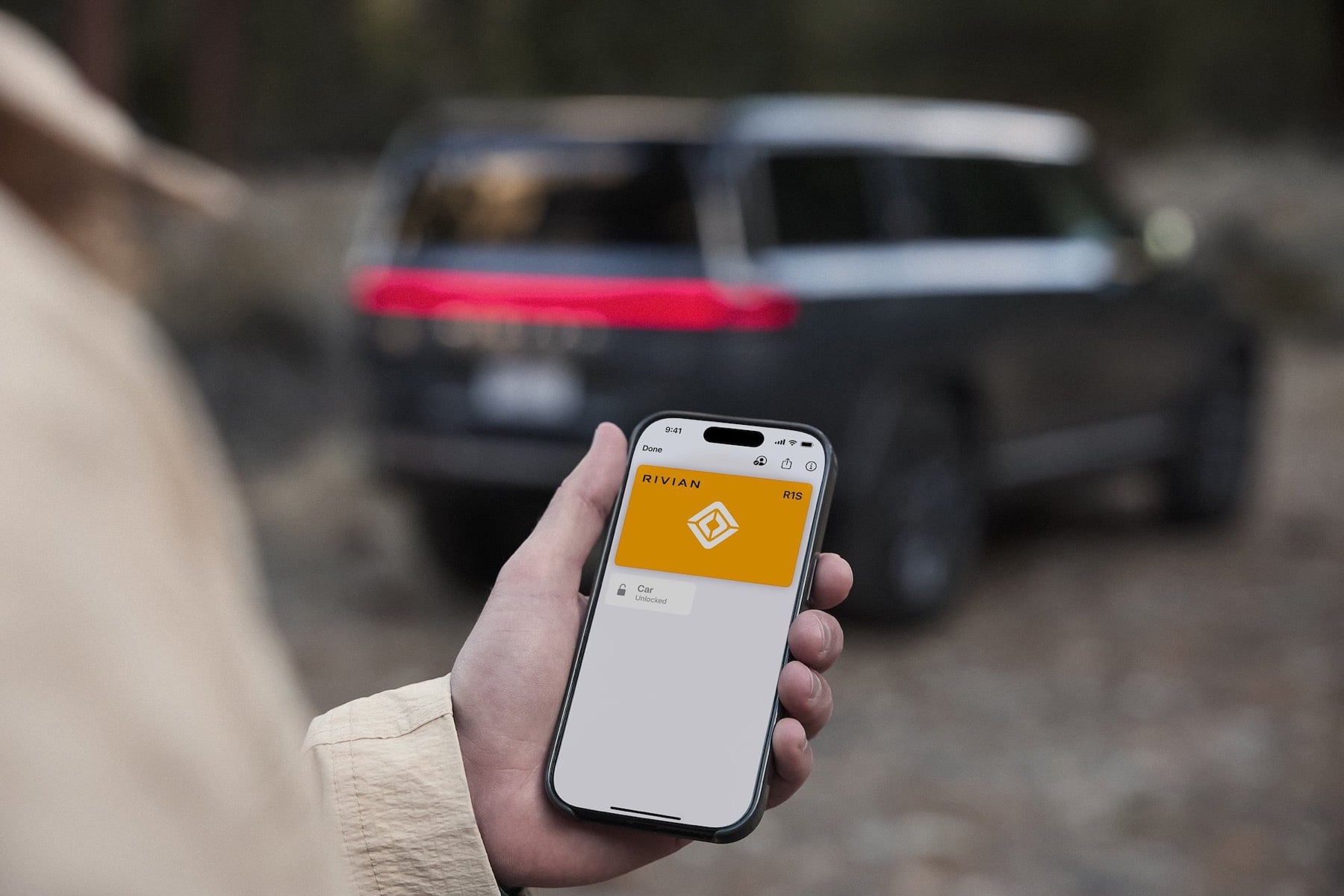
Rivian quietly packed a lot into the 2025.46 update for Gen 2 R1 owners, but two features immediately stole the spotlight: Universal Hands-Free and Digital Key. I have seen a ton of chatter online about Digital Key in particular, especially from folks trying to set it up right after installing the update and running into issues.
I wanted to help clear up some confusion, and this info comes directly from the Rivian tech team working behind the scenes to make sure Digital Key rolls out smoothly.
First thing to know, once you install 2025.46, Digital Key might not be ready right away. Even though the software is installed, you still need to wait for an email from Rivian letting you know your vehicle is ready to complete Digital Key setup. I show exactly what that email looks like in my video below around the 0:41 mark.
Only after you get that email should you jump into the vehicle and start the setup process. If you try before then, you may hit errors or see missing options, which has understandably led to some confusion online.
Of course, even once everything is “ready,” technology is still technology. Things do not always work perfectly on the first try. Before reaching out to Rivian Service or blowing up my inbox, Rivian asked me to share a few simple troubleshooting steps that solve most setup issues.
Here’s what to try, in order:
- Do a hard reset in the vehicle by going to Center Display, Settings, Service, then Restart.
- Toggle Bluetooth off and back on on your phone.
- Restart your phone, whether you are on iPhone or Android.
- Delete your existing Bluetooth key and set up Digital Key from scratch instead of converting it.
That last one is especially important. Several people have had better luck starting fresh rather than trying to convert an existing key.
If you still run into problems after trying all of the above, feel free to reach out to me at [email protected] and I will do my best to help however I can. You can also open a support ticket with Rivian, though in some cases the fix is simply waiting a bit longer.
Sometimes it really does just start working later. Ask me how I know.
Will this work on Samsung Galaxy Ultra watches too?