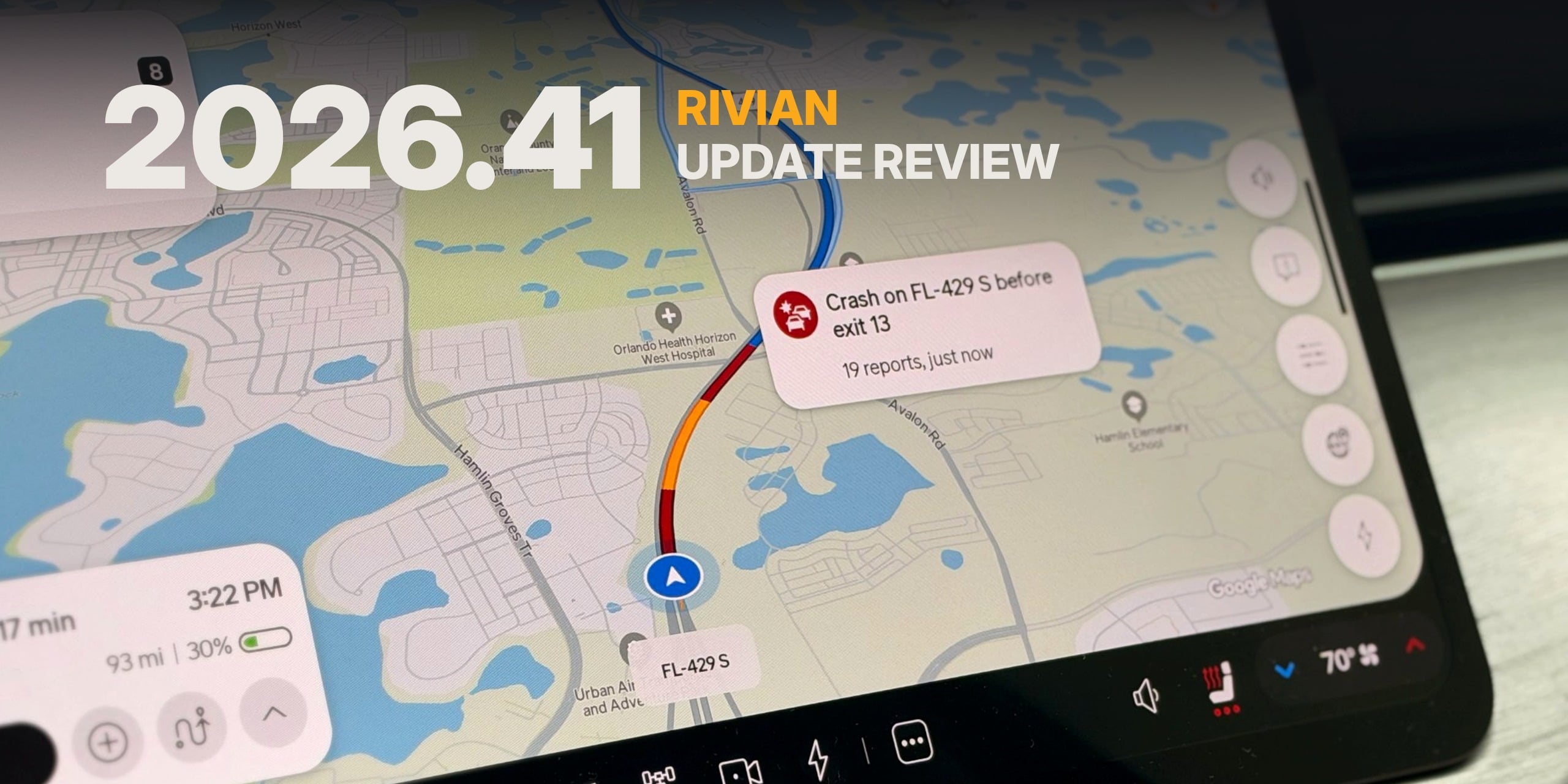
Rivian’s 2026.41 update is rolling out to R1 and R2, and while it isn’t a big flashy release, the navigation changes make it worth a look. I walk through everything new and take it out on the road to show the new alerts working.
On the navigation side, the map now shows stop signs and traffic lights, and the Waze integration goes beyond police to include construction, accidents, and traffic. You can set a separate arrival percentage for chargers and for your final destination, so you can roll into a fast charger low for a better charging curve and still get home with more buffer. Navigation also shows negative state of charge now, so if you’re only going to miss your destination by a few miles you’ll know you can slow down and make it instead of stopping again. Alternative routes update live while you drive, and you can tap any alert on the map to see what it is. One catch, the alerts only work when you’re navigating to a destination.
Outside of navigation, update downloads are more reliable and the Rivian app now shows download progress in real time. Rivian Assistant can pull live sports scores, and R2 owners get improved steering feel, a firmer Sport mode, and a fix aimed at the steering wheel vibration on Universal Hands-Free, which I still feel a bit at 60 to 65. There are also Gear Guard fixes, including the bug that kept turning Switch Off at Home back on, plus halo wheel improvements and seat and mirror fixes for Gen 1 R1.
I wrap up with what to expect from Autonomy Day on December 9th and the point to point early access program, now that Rivian has lifted the NDA.