Want to get in touch? Contact us at [email protected]

Video – Rivian Unlocks Hands Free Driving and Digital Key in 2025.46 Update
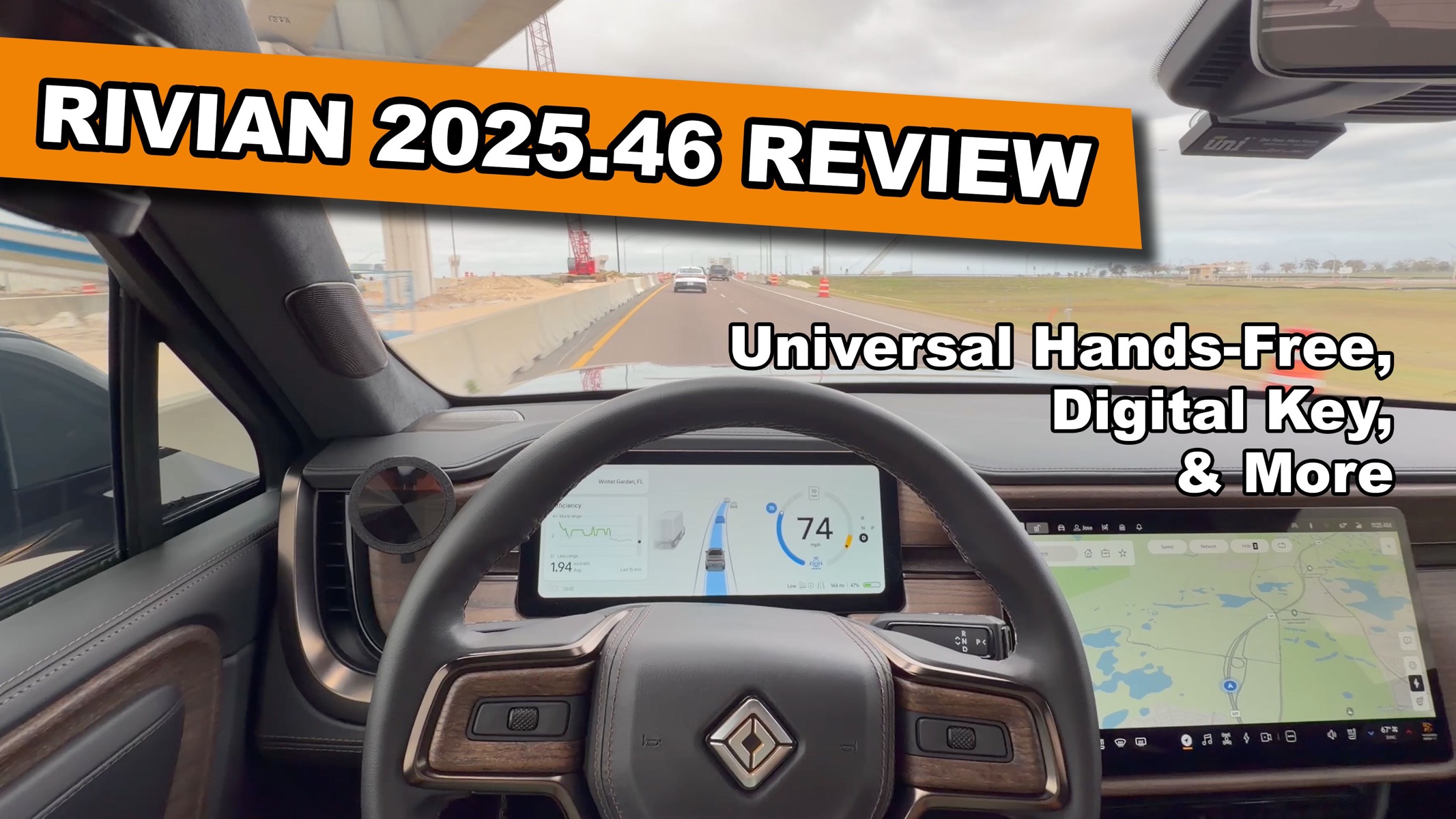
Rivian just rolled out a huge December software update, and if you own a Gen 2 vehicle, this one is packed with good stuff. The headline feature is Universal Hands-Free, which enables hands-free driving across more than 3.5 million miles of roads in North America. You also get Digital Key with Ultra-Wideband support, plus new Driver Display customization options including a full map view and a dedicated Autonomy view.
I was able to get early access to 2025.46 and spent time testing everything out so I could break it all down for you in the video below.
Nice, this is a chunker of an update.
You have your center console set to the graphic view (vs satellite view). If you have satellite view on main screen, what is shown in driver screen?
The driver display will always be graphic and not satellite.
Awesome, great video, thank you. Now WHEN!!!!! 🙂
Wait, when sharing the key, there was only one choice – unlock and drive. If only one choice, what’s the point of sharing without unlock and drive?
I could see a scenario where you give maybe a teen or someone else a key but you don’t want them to be able to drive all the time. Also this is just the start, more options are coming in future updates for Digital Key!
Got it. So, I give you the key and can control when I allow you to use it by toggling that on and off when needed?
Exactly!
No holiday fun this year?
Universal Hands-Free and Digital Key feel like Christmas 🙂
Don’t disagree, but the red/green lights and jingle bells when locking were fun last year. Wonder why they didn’t bring that back.
Don’t waste ur time if ur Gen 1 owner like me. Ntg to see for us.
Jose- Do you know anything about sharing the digital key between Android and iOS?
I’m working on an article on it but here’s what I know from testing:
– iOS users can only share to Android devices using SMS, email, or messaging apps. Not via Air Drop.
– Android users can send to iOS users in the same fashion.
– The one caveat is that if an owner has an Android and they share to an iOS user who has an Apple Watch, the Android owner will need to send 2 invites to that iOS user. One for their phone and one for their watch.
– Apple doesn’t make you send 2 invites.
Gen 1 is so-so with driver display option. But text messaging would have been nice.
Reality is we were lied to and f’ed over on any basic driver assist. Won’t trust Rivian again in future “promises”
How does the batching release work? I’m itching to get mine for a road trip but am curious how quickly they release.
Fully random but if you have Connect+ you’ll get it sooner.