Want to get in touch? Contact us at [email protected]

Rivian Universal Hands-Free Is Rolling Out in 2025.46, What It Can and Can’t Do
Rivian’s Universal Hands-Free is officially rolling out starting today as part of the 2025.46 software update for Gen 2 R1T and R1S.
Universal Hands-Free lets you drive without your hands on the steering wheel for extended periods, as long as you’re paying attention and looking at the road. This is not full self-driving, and Rivian is very clear about that, but it is a meaningful step forward compared to traditional lane centering.
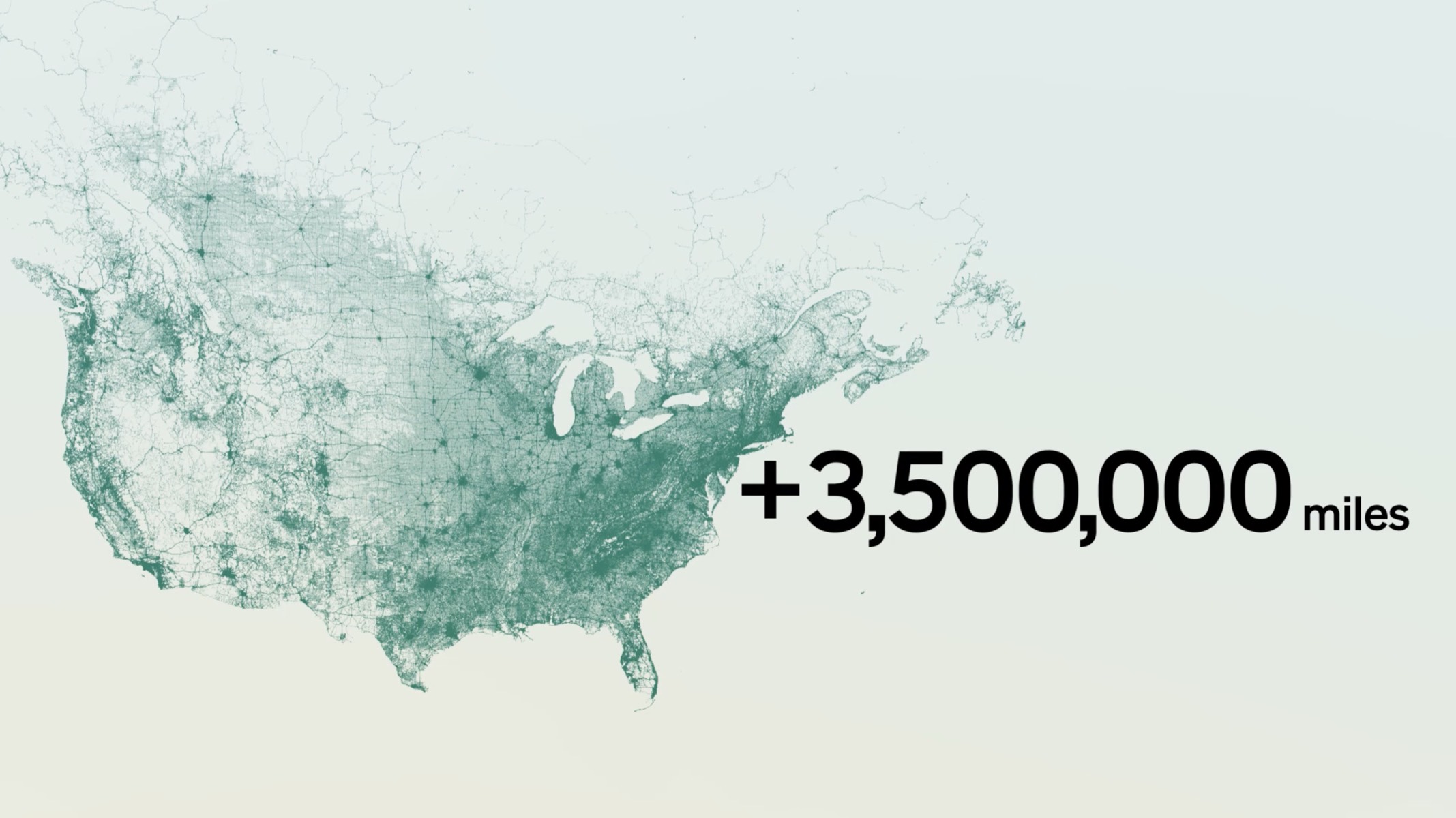
According to Rivian, Universal Hands-Free now works on more than 3.5 million miles of roads across North America. When you’re on a supported, clearly marked road, you’ll see a Universal Hands-Free icon appear near the speedometer. To activate it, pull the drive stalk toward you twice.
Once active, the vehicle handles steering, acceleration, and braking, while Driver Attention Detection makes sure your eyes stay on the road. You’re allowed to take your hands off the wheel, but the moment your attention drops, the system will alert you and ask you to re-engage.
That said, there are some very real limitations owners need to understand before getting too comfortable.
Universal Hands-Free is designed to assist you, not replace you. It does not make the vehicle autonomous, it does not follow navigation routes, and it will not handle complex or unexpected driving scenarios on its own. You are still fully responsible for the vehicle at all times.
To make this easier to understand, here’s a simple breakdown of what Universal Hands-Free can and cannot do.
Rivian Universal Hands-Free (2025.46), what it does and does not do
| Feature | Supported? | What that means in real life |
|---|---|---|
| Hands-free driving on supported roads | Yes | You can remove your hands when the icon appears, but must stay attentive |
| Driver attention monitoring | Yes | Your eyes must stay on the road, or the system will disengage |
| Stopping for traffic lights or stop signs | No | You must brake and follow traffic laws yourself |
| Automatically adjusting speed limits | No | You are responsible for monitoring and changing speed |
| Navigation-based turns or exits | No | It will not follow nav prompts or make turns for you |
| Roundabouts and sharp curves | No | You should take control before high-curvature roads |
| Construction zones and temporary lanes | Not reliably | May not follow cones or temporary lane markings |
| Special-use lanes (bike, bus, emergency) | No | You must interpret lane rules yourself |
| Unusual objects and obstacles | Limited | May not react correctly to debris, barrels, or odd objects |
| Wet, snowy, slippery, or unpaved roads | Not recommended | Rivian advises against using Hands-Free in these conditions |
This feature is driver assistance, not autonomous driving. Always be ready to take control.
The big takeaway here is that Universal Hands-Free shines on long, clearly marked highways where traffic flows smoothly. It is not meant for city driving, complex intersections, construction zones, or bad weather.
If you treat it as a fatigue-reducing assist instead of a self-driving system, it makes a lot of sense. And as Rivian continues building out its autonomy stack, this feels like a solid foundation rather than a flashy promise that overreaches.
You can watch Universal Hands-Free in action on my video review below.
You have to start somewhere! Hopefully regular updates begin to chip away at these very common driver scenarios with point-to-point next. The chart is very helpful to know before testing in live traffic!